
Scoopz APK & Download Guide (2026): Android, iPhone & Safety
Scoopz is free and straightforward to download from the official stores — the confusion in this space comes almost entirely from third-party sites competing for “scoopz apk” search traffic, some of which show real warning signs worth knowing before you install anything. This guide covers the official download paths, how to evaluate an APK source, iPhone-specific setup, and how to check your current version.
Official Download Links
- Android: Google Play — Scoopz: Real Life, Real Videos
- iPhone: App Store — Scoopz: Your People, Your Video
No account is required just to browse the feed — you only need to register to post, follow, or apply for the Creator Fund. If either store shows the app as unavailable, that’s more likely a regional restriction or a temporary listing issue than the app being discontinued (see below).
Is a Scoopz APK Safe to Download?
Short answer: the Play Store version is safe by definition — it’s the same install, verified by Google. A separate APK file is only something you’d need if Play Store access is genuinely unavailable to you, and in that case, source matters enormously.
Red flags to watch for in APK sites
While researching this space, a clear pattern shows up across several sites competing for Scoopz download traffic:
- Sites branding themselves as an “official master download hub” — Scoopz doesn’t operate its own third-party download portal; its only official channels are the Play Store and App Store listings
- Suspiciously precise version numbers paired with urgent technical instructions — for example, a site instructing you to delete a specific cache directory or install an exact “hotfix” version to fix a black-screen bug. That combination of manufactured authority and urgency is a recognizable pattern for low-trust or malicious download sites, not a legitimate distribution channel
- Instructions to disable your device’s standard app-verification protections (Play Protect on Android, or sideloading workarounds on iOS) to force an install — a legitimate app should never require you to lower your device’s security to install it
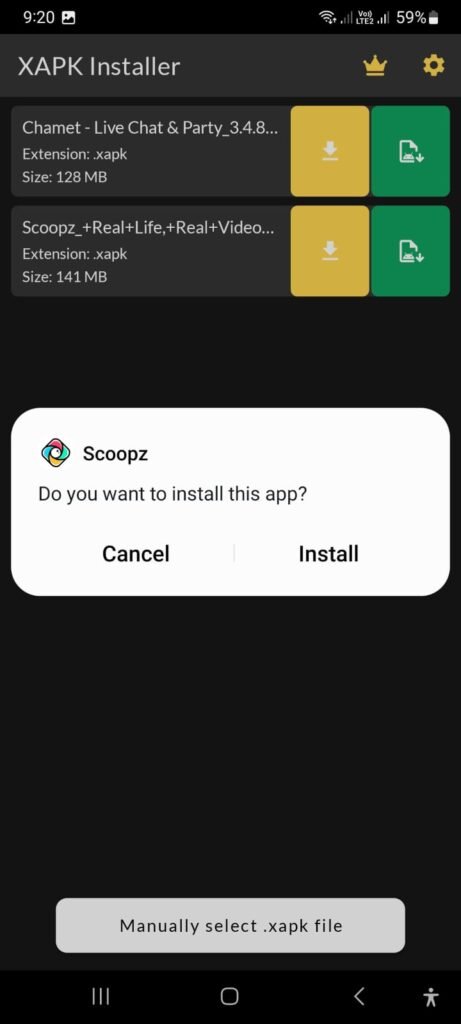
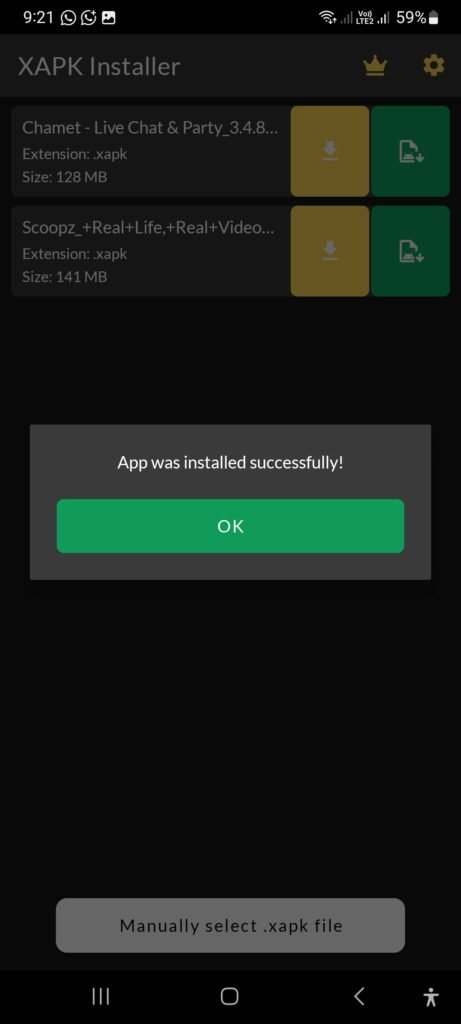
If you genuinely can’t access the Play Store
- Uptodown is a long-established, independently operated Android app repository that hosts a Scoopz listing — it’s a real, known third-party site (not one of the “fake official hub” pattern sites above), though it’s still not Scoopz’s own channel, so treat any app installed from it as a step below a direct Play Store install in terms of verification
- Whatever source you use, verify the publisher name reads Local AI, Inc. before installing
- Never install an APK that asks you to disable standard OS-level app verification
How to Get Scoopz on iPhone
Installation is standard through the App Store — there’s no APK equivalent on iOS, since Apple doesn’t support sideloading apps outside its own ecosystem (jailbreaking aside, which isn’t something this guide recommends). If you don’t see Scoopz when searching the App Store:
- Confirm your iOS version is 15.0 or later — that’s the app’s published minimum requirement
- Confirm you’re searching the exact listing name (“Scoopz: Your People, Your Video”) rather than a similarly-named unrelated app
- Regional availability can occasionally vary — if the listing genuinely doesn’t appear for your region, that’s an availability gap, not evidence the app was removed
Why Can’t I Download Scoopz / Why Is It “Off the App Store”?
It isn’t off the store — Scoopz is currently live on both the App Store and Google Play. This search pattern usually comes from one of a few places:
- A login or server error inside the app that gets mistaken for a removal
- Confusion with an unrelated site or business using a similar name (there’s at least one unrelated Australian retail site using a similar domain — not the same company)
- A genuine but temporary regional availability gap
Checking Your Current Scoopz Version
As of this writing, the App Store listing shows version 4.3.2, requiring iOS 15.0+ and roughly 112 MB of storage. Google Play doesn’t surface an equivalent version number the same way in its listing — for Android, the most reliable check is the “About this app” section on the Play Store page itself.
Neither store publishes a running, detailed changelog beyond the current “What’s New” note for the latest release. If you come across a third-party page claiming to host a full historical version-by-version changelog, treat the specific dates and patch notes as unverified — there’s no public source to confirm them against, which is exactly the kind of detail low-trust sites use to look more authoritative than they are.
A note on “old version” downloads: avoid installing an older APK version even if you find one, for two reasons — it likely lacks recent security and bug fixes, and there’s no reliable way to verify an old third-party-hosted APK hasn’t been modified from the original.
Installation Troubleshooting
“App not installed” or “Parse error” (Android):
- This almost always means a corrupted or incomplete APK download — if you’re installing outside the Play Store, re-download from your source and confirm the file size looks reasonable before installing
- Confirm you don’t already have a conflicting version installed; uninstall any existing copy first
Installed but won’t open:
- Restart your device
- Confirm the app has the permissions it needs (camera, microphone, storage) in your device’s app settings
- If it persists, uninstall and reinstall from the official store rather than the same third-party source
Can’t find it in search:
- Search the exact listing title rather than just “Scoopz,” since similarly-named apps and unrelated businesses can crowd out the real listing in some regions
Frequently Asked Questions
This guide is independent and not affiliated with, endorsed by, or operated by Local AI, Inc. or Scoopz. Always download apps from official stores where possible, and verify publisher information before installing from any other source.