
Scoopz Login Issues & Fixes (2026)
Login problems are one of the most common reasons people search for Scoopz help — and most of them come down to a small handful of causes. This guide covers general login troubleshooting, password reset, verification codes, and when a login issue is actually something else (like a suspended account) wearing a login-error disguise.
A note before starting: Scoopz’s exact sign-in options (email, phone number, or third-party sign-in) can vary by app version and region, so this guide focuses on troubleshooting steps that apply regardless of which method your login screen actually shows you.
Quick Checklist (Try These First)
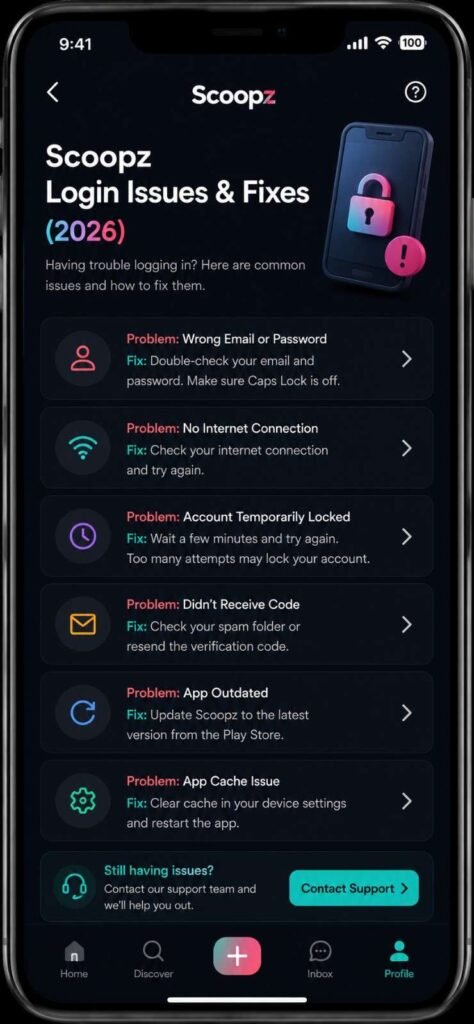
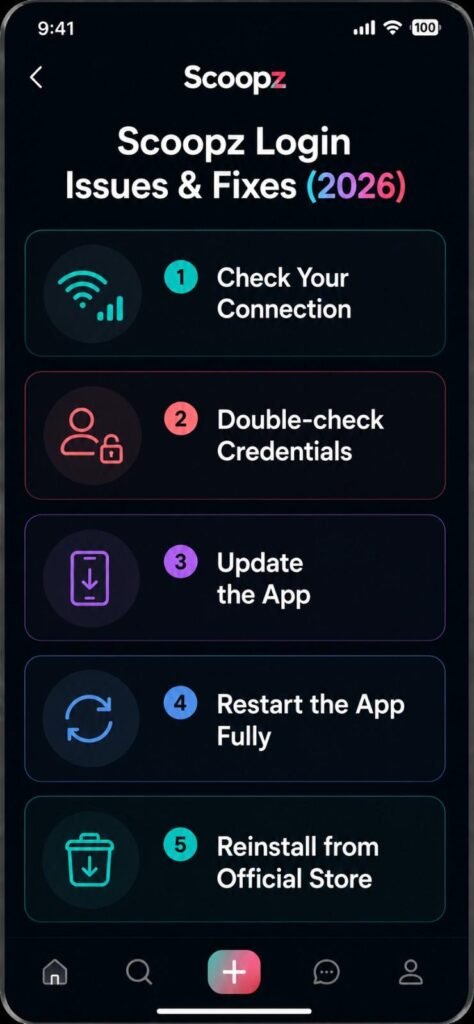
- Check your connection. Switch between Wi-Fi and mobile data — login requests that hang or spin indefinitely are frequently a connectivity issue, not an account problem
- Double-check credentials. Confirm your email/username and password for typos, especially auto-fill errors on mobile keyboards
- Update the app. An outdated version can have login bugs that are already fixed in the current release — check the App Store/Play Store for a pending update
- Restart the app fully, not just backgrounding it — force-close it, then reopen
- Reinstall from the official store if the login screen is unresponsive or visually broken — this clears corrupted local app data that a simple restart won’t touch
Password Reset Walkthrough
- On the login screen, look for a “Forgot password” or similar link
- Enter the email or phone number associated with your account
- Check your email (including spam/junk folders) or SMS inbox for the reset message
- Follow the link or enter the provided code, then set a new password
- If the reset email/SMS never arrives after several minutes, see the verification code section below — the causes overlap
If you no longer have access to the email or phone number on your account, standard app password resets typically can’t help — that becomes an account recovery case, which needs to go through Scoopz’s in-app support/contact form directly, not a generic password reset.
Verification Code Not Arriving
This is a common companion issue to both login and password reset:
- Check spam/junk folders for email codes, and confirm your carrier isn’t delaying or filtering SMS codes
- Double-check the email/phone number on file — a typo during signup means the code is being sent somewhere you can’t see
- Wait before requesting a resend. Requesting multiple codes in quick succession can sometimes trigger a temporary cooldown on some platforms; wait a minute or two between attempts rather than repeatedly tapping resend
- Confirm the time on your device is correct — some verification systems are sensitive to significant device clock drift
Signed In With Google or Facebook? Troubleshooting Third-Party Login
If your Scoopz account was created using a Google, Facebook, or similar sign-in option rather than an email/password, login issues are sometimes actually an issue with that third-party account rather than Scoopz itself:
- Confirm you can log into the Google/Facebook account directly outside of Scoopz first
- Check whether that account has two-factor authentication that’s blocking the automated sign-in handoff
- Revoke Scoopz’s access from your Google/Facebook account’s connected-apps settings, then try reconnecting from within Scoopz — this can clear a stuck authorization token
“Login Works But My Account Looks Wrong” (Not Actually a Login Issue)
A few things get reported as login problems but are really something else:
- Account suspended or restricted — you can technically log in, but see a limited or read-only account. This is a moderation action, not a login bug, and needs an appeal through the in-app report/appeal flow rather than password troubleshooting
- Wrong account — if you have multiple emails or previously used a different sign-in method, confirm you’re not accidentally trying to access a second, separate account
- Regional access restriction — if the app itself won’t load past a certain screen only in a specific location, that may be an availability issue rather than a credentials issue
When to Contact Support Directly
If you’ve confirmed your credentials are correct, your connection is stable, the app is updated, and you’ve tried a full reinstall — and you’re still locked out — that’s the point to use Scoopz’s official in-app support or contact form rather than continuing to troubleshoot blindly. Be prepared to confirm identifying account details (registered email/phone, approximate signup date) since that’s typically required for any manual account recovery.
Frequently Asked Questions
This guide is independent and not affiliated with, endorsed by, or operated by Local AI, Inc. or Scoopz. Exact login options and recovery processes can change with app updates — always follow the current in-app instructions for anything account-specific.